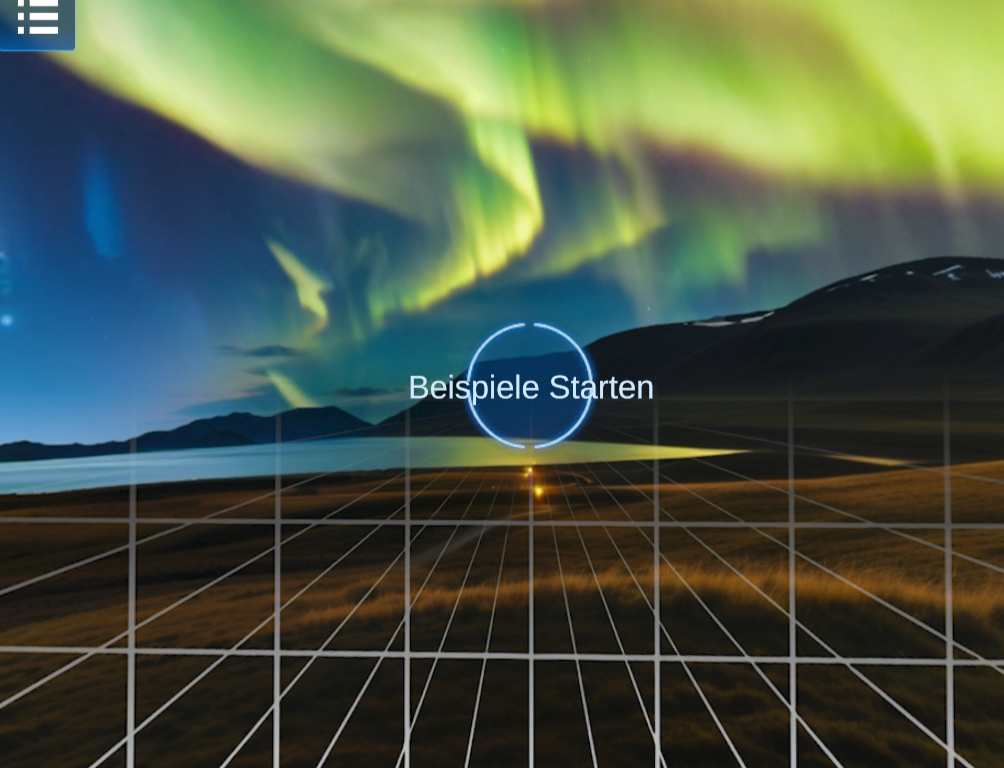
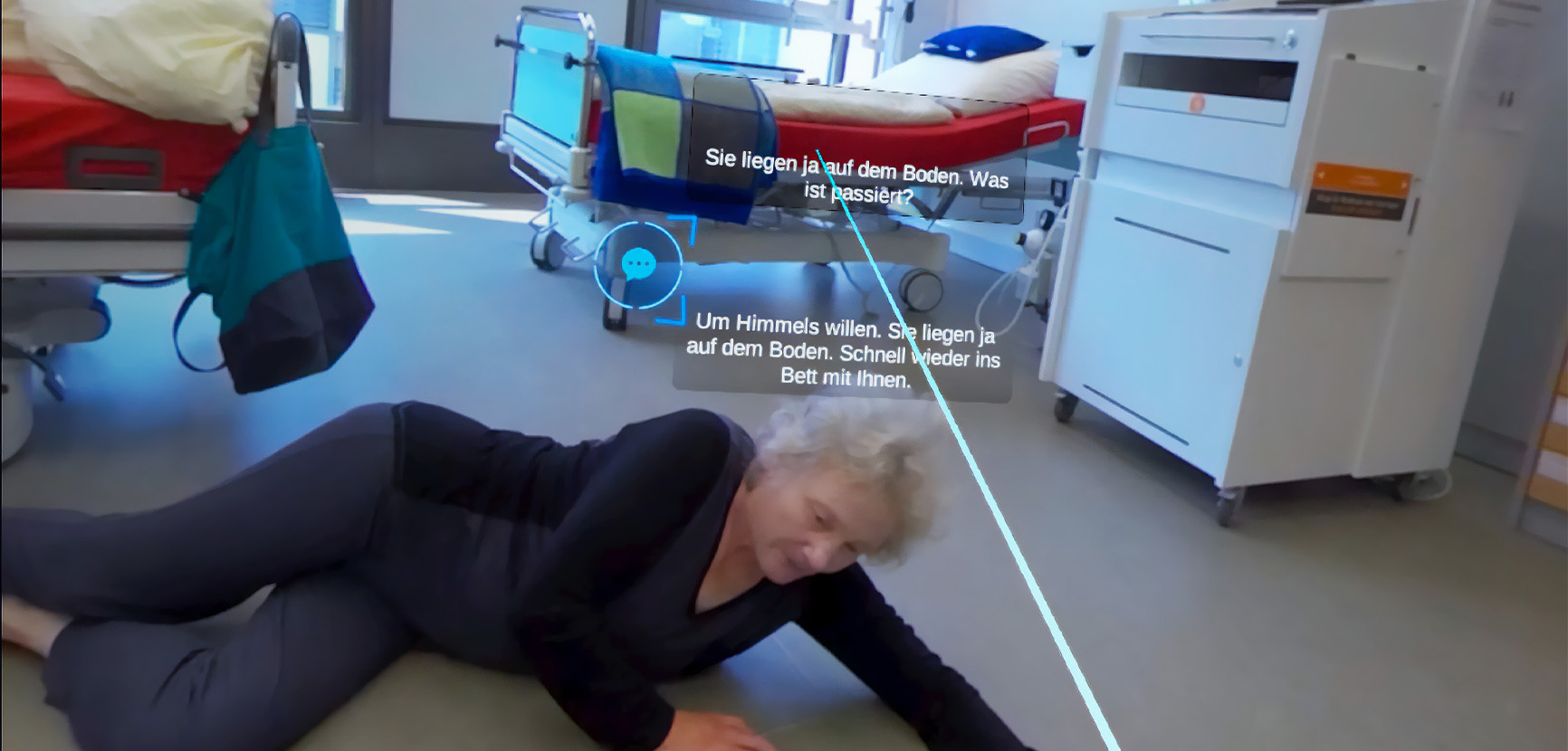
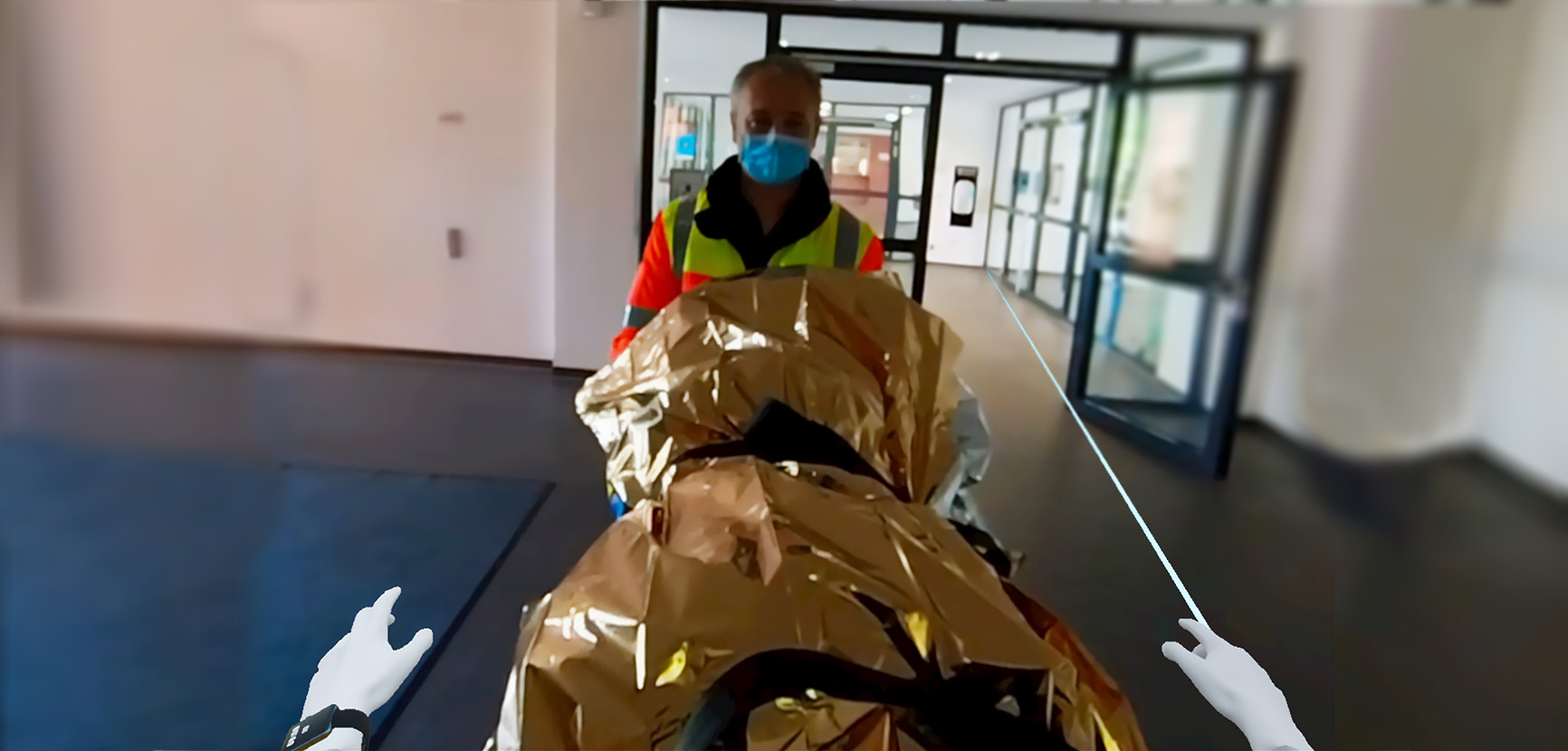
The Use Case Carousel offers a brief first look at PaneoVR technology and takes approximately 5–7 minutes. It presents a range of short sequences, including excerpts from the ViRDiPA scenarios. Rather than focusing on a single cohesive theme, it provides varied examples of how scenarios can be structured.
Get access
To launch it directly without an account, simply click the button below or, in one of the PaneoVR Apps(for iOS/Android handheld devices and Meta/Pico VR headsets), enter the following start code in the login menu: SHOWCASES
To get permanent access through your PaneoVR account, register for an account (if you have not already done so) in the PaneoVR Editor. Then sign in and click the following share link. https://app.paneovr.net/share?p=42A3DpgK0
After you click the access link, the corresponding project should be available to your account with read access. Check this by selecting “Open” in the editor. A new scenario should appear in your project list. You can then use the PaneoVR Web Player or one of the VR apps in the Download center to play the scenario. You can also view the underlying scenario diagrams in the web-based diagram editor.