

Use PaneoVR
The Download Center provides all currently available PaneoVR applications. All apps are freely accessible; only the apps for Android and iOS handheld devices require an account with a Pro license after installation to use their features.
If you have any questions or encounter any problems, feel free to contact support@paneovr.de

PaneoVR for virtual reality
Meta Quest
The PaneoVR app is available in the Meta/Oculus Store and can be installed directly from the headset. Warning: Due to Meta's policies, the outdated app called „PaneoVR Player“ is still available for download from the store. However, it is no longer supported.
Pico headsets
PaneoVR can be installed directly from the built-in store on Pico Neo 3 and Pico 4 headsets. Search for PaneoVR in the Pico headset's app store and download it free of charge.
If the app does not appear in the store or needs to be installed manually, the APK for manual installation can be downloaded here. This .apk file must be transferred to the relevant headset and run there.
PC-connected VR headsets (Win / SteamVR)
PC-connected VR headsets, particularly HTC headsets, are also supported by PaneoVR for Windows. Download the application here. When launching it, be sure to start the „PaneoVR HMD“ app. The regular „PaneoVR“ app launches the 2D version. If the app does not work with your installed VR environment, please contact support@paneovr.de
If you need a manual installation without automatic updates, you can always download the latest version here (advanced users only):
HTC Vive Focus and XR Elite
Software can be installed on standalone headsets in the HTC family using the following installation file. The .apk must be installed manually on each device.
PaneoVR in 2D
Windows and Mac (2D)
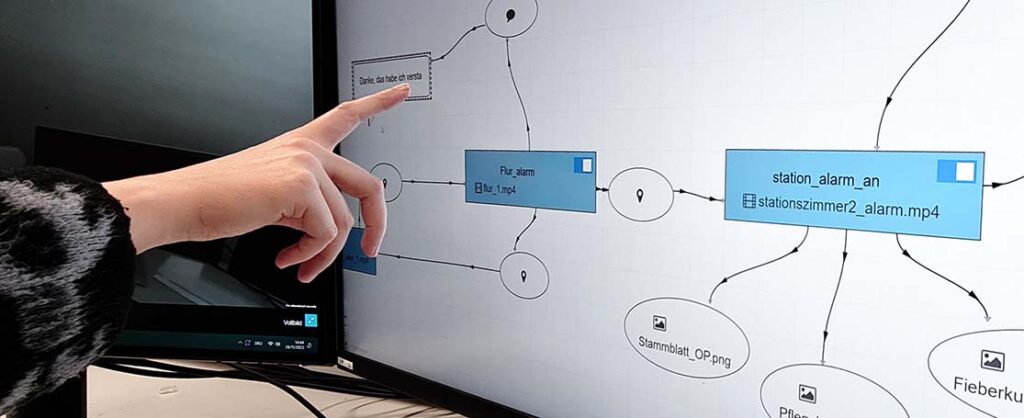
PaneoVR can also be used as a standard 2D application without an additional VR device. This can be especially helpful when creating scenarios because adjusting scenes does not require repeatedly putting on a headset.
A Windows version can be downloaded here (it also supports launching with PC-connected VR headsets). In many cases, users can also install the app on devices managed by their organization. Alternatively, contact your internal IT support team.
For a quick installation, use the following download with automatic updates whenever possible:
If you need a manual installation without automatic updates, you can always download the latest version here (advanced users only):
The app for MacOS is available directly from the App Store
Android Tablets/Smartphones
Pro license holders can use PaneoVR as an app on their Android smartphone or tablet. The app is available free of charge from the Play Store.
iPad and iPhone
Pro license holders can use PaneoVR as an app on their iPad or iPhone. Simply install the app from the App Store.
Web browser
PaneoVR can also be used in a browser as a standard 2D application without an additional VR device.
Note: Some Firefox and Safari browsers currently have playback issues with larger videos. In this case, temporarily switching to Google Chrome or Microsoft Edge is recommended.